ZendGuard下载
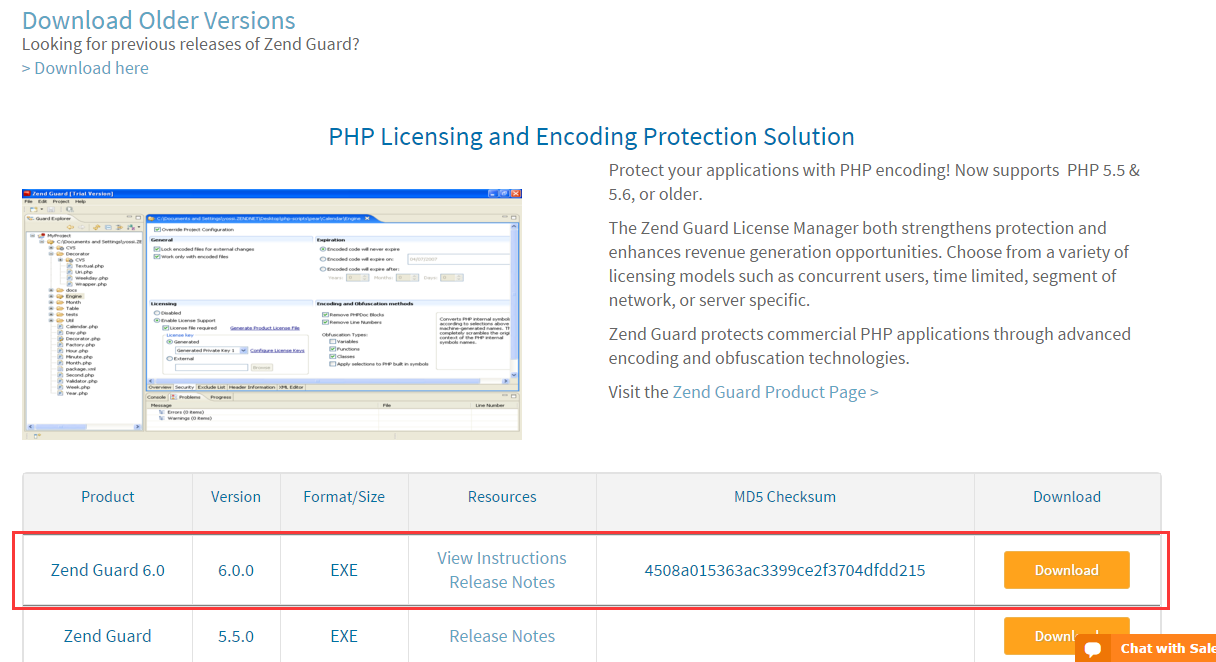
官方下载地址:http://www.zend.com/en/products/guard/downloads#Windows
下载之前需要注册,我下的版本是Zend Guard 6.0。双击运行即可傻瓜式安装。

最新的版本是7.0,如果想下载早期的版本,请点击:>Download here,当前页面下方会弹出早期版本的列表。
PHP下载
官方下载地址:http://php.net/downloads.php | http://php.net/releases/
我现在的版本是:http://windows.php.net/download/#php-5.4
php一个版本一般会发布两种类型的程序,一种是线程安全的(Thread Safe),另一种是非线程安全的(Non Thread Safe)。
值得注意的是: ZendGuard 只支持非线程安全的。所以请选择非线程安全的 PHP 下载。
配置PHP——ZendLoader.dll
-
下载ZendLoader.dll
官方下载地址:http://www.zend.com/en/products/loader/downloads#Windows
下载之前请注册,与ZendGuard下载类型,注意选择对应PHP版本的ZendLoader。

将ZendLoader.dll拷贝到PHP
[PHP的根目录]\ext\中。 -
修改
php.ini-development或者php.ini-production为php.ini,
在php.ini文件中添加以下内容:1 2 3 4 5 6 7 8 9 10 11 12 13zend_extension="./ext/ZendLoader.dll" ; Enables loading encoded scripts. The default value is On zend_loader.enable=1 ; Disable license checks (for performance reasons) zend_loader.disable_licensing=0 ; The Obfuscation level supported by Zend Guard Loader. The levels are detailed in the official Zend Guard Documentation. 0 - no obfuscation is enabled zend_loader.obfuscation_level_support=3 ; Path to where licensed Zend products should look for the product license. For more information on how to create a license file, see the Zend Guard User Guide zend_loader.license_path=
新建PHP代码
新建 input 文件夹,在 input 文件夹中新建 test.php。
代码如下:
|
|
上述代码输出:
Thanks ZendGuard
Now datetime is 当前时间.
ZendGuard安装及新建项目
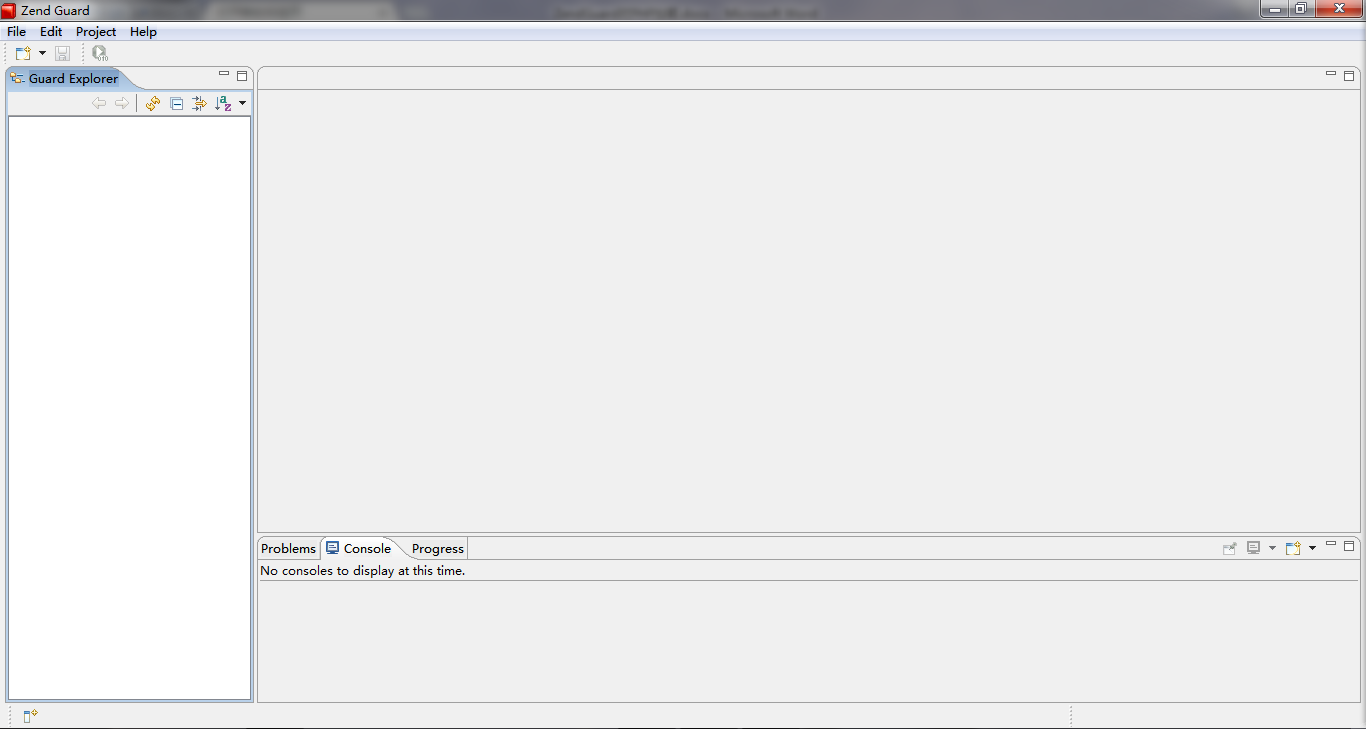
ZendGuard是傻瓜式安装,安装之后,运行起来,效果如下。
- 新建 Zend Guard Project 工程。
- 指定输出文件为
output文件夹。

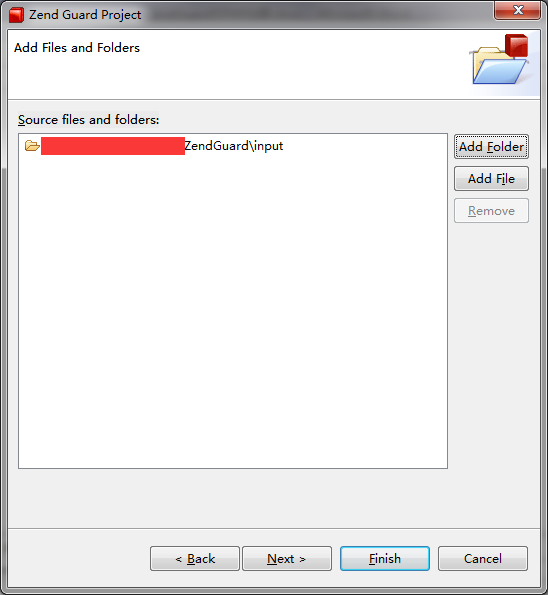
- 添加输入文件夹为
input文件夹。 - 选择PHP版本
- 点击

output文件夹中新生成了test.php,打开看是乱码。
运行源代码及加密代码
运行源代码效果:

运行加密代码效果:

至此,就可以用 ZendGuard 对PHP代码进行加密。